Power Dragon Bank Transfer Deposits – InstaPay and PESONet Guide for New Players
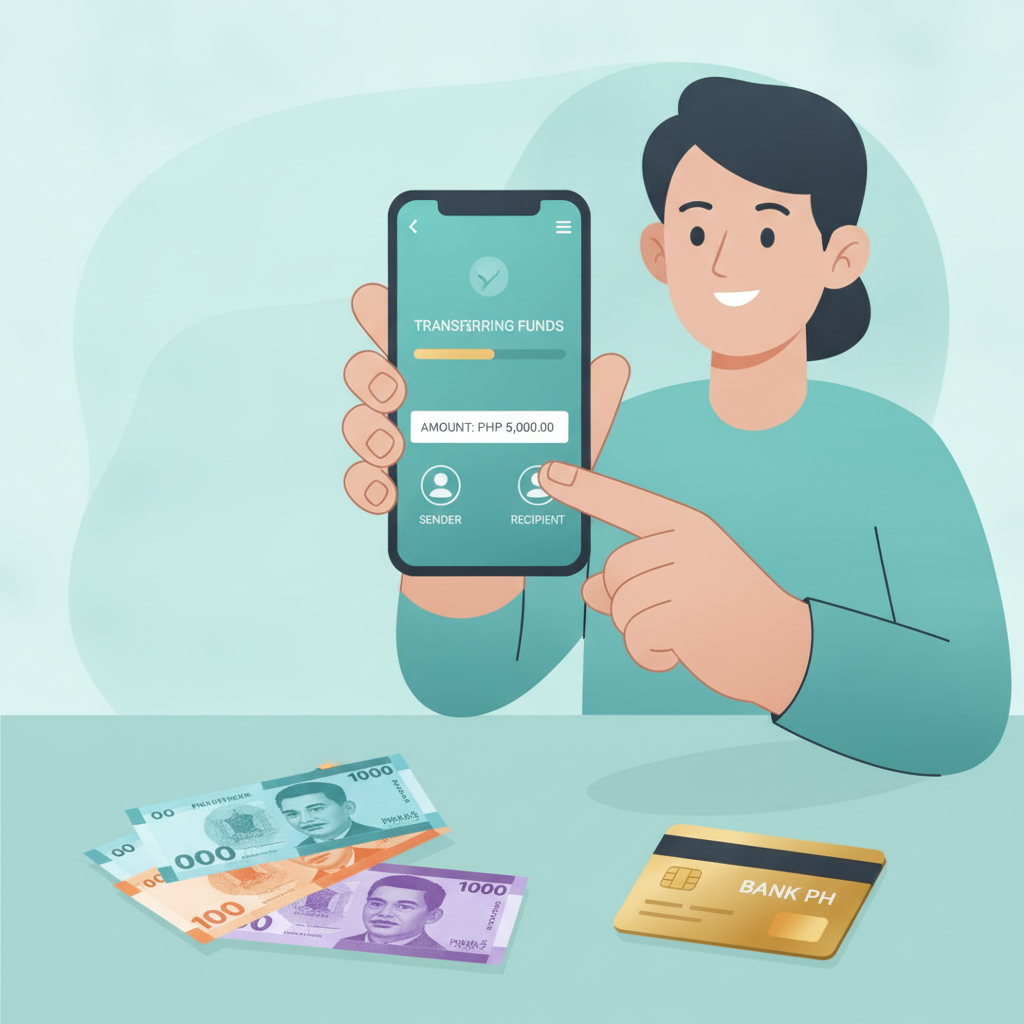
When to Use InstaPay vs PESONet for Deposits
Power Dragon accepts bank transfers through two nationwide payment rails: InstaPay and PESONet. Both let you send pesos directly from your Philippine bank account to fund your casino balance, but they serve different needs.
InstaPay is the faster option. Transfers typically process within seconds to a few minutes, making it ideal when you want to start playing slots, live dealer games, or place a bet on a PBA match right away. InstaPay has a per-transaction limit of PHP 50,000, which covers most casual deposits. Nearly every major Philippine bank and many rural banks support InstaPay, including BDO, BPI, Metrobank, UnionBank, Security Bank, Landbank, and PNB.
PESONet handles larger amounts—up to PHP 1 million per transaction—but runs on a batch schedule. PESONet processes deposits in cut-off windows throughout the banking day, usually at 9:00 AM, 12:00 PM, 3:00 PM, and 5:00 PM on weekdays. If you submit a PESONet deposit after a cut-off or on a weekend, it will queue for the next available window, which may mean waiting several hours or until the next business day.
For most new players depositing PHP 100 to PHP 500, InstaPay is the recommended choice because of speed. PESONet makes sense only if your bank does not support InstaPay or if you plan a single larger deposit above PHP 50,000.
Before choosing, confirm that your bank account is enrolled in your bank's online or mobile banking platform and that InstaPay or PESONet is enabled. Most Philippine banks activate these services by default, but a quick check in your banking app will save time.
Step-by-Step Bank Transfer Deposit Process
Power Dragon's deposit flow for bank transfers is straightforward. The platform will provide deposit instructions once you select bank transfer as your payment method. Follow these steps on your mobile device:
1. Log in to your Power Dragon account.
Open the Power Dragon site in your mobile browser. If you haven't registered yet, complete the Power Dragon register process by providing your mobile number, email, and basic details. Verify your account using the one-time PIN sent via SMS.
2. Navigate to the deposit page.
Tap the "Deposit" or "Cashier" button, usually found in the account menu or at the top of the screen.
3. Select "Bank Transfer" as your deposit method.
You will see options for GCash, Maya, and bank transfer. Choose bank transfer. Power Dragon will display whether InstaPay, PESONet, or both are available at that moment.
4. Choose InstaPay or PESONet.
If both are offered, pick InstaPay for speed. Enter the amount you wish to deposit in pesos. The minimum deposit via bank transfer at Power Dragon is typically PHP 100, though you should confirm the current threshold on the deposit screen.
5. Note the deposit reference details.
Power Dragon will generate a unique reference number and display the operator's bank account details: bank name, account number, and account name. Write these down or take a screenshot. You will need them in the next step.
6. Open your bank's mobile app or online banking portal.
Log in using your credentials. Look for the "Send Money," "Transfer," or "Pay" section.
7. Select InstaPay or PESONet as the transfer type.
Your bank app will ask whether you want an internal transfer, InstaPay, or PESONet. Choose the option that matches what you selected on Power Dragon.
8. Enter the recipient bank details.
Input the account number and account name exactly as shown on Power Dragon's deposit page. Double-check for typos—errors can delay your deposit or send funds to the wrong account.
9. Enter the deposit amount and reference number.
Type the same peso amount you specified on Power Dragon. In the reference, remarks, or notes field, paste or type the unique reference number provided by Power Dragon. This ensures the operator can match your bank transfer to your player account.
10. Confirm and authorize the transaction.
Review all details. Authorize the transfer using your bank app's security method—PIN, password, fingerprint, or one-time password. Once confirmed, your bank will process the InstaPay or PESONet transaction.
11. Return to Power Dragon and wait for confirmation.
Stay on the Power Dragon deposit page or check your account balance. For InstaPay, funds usually appear within minutes. For PESONet, expect a wait that depends on the next batch cycle. Power Dragon will send an SMS or email notification once the deposit is credited.
If your deposit does not appear within the expected time frame, contact Power Dragon customer support with your reference number and bank transaction receipt.
Processing Times and Minimum Deposit via Bank
InstaPay processing: Most InstaPay deposits land in your Power Dragon account within 1 to 5 minutes on business days. Outside banking hours or on weekends, some banks may hold the transaction until the next business day, but this is uncommon for InstaPay.
PESONet processing: PESONet batches run at fixed times on weekdays. If you initiate a deposit before the cut-off (typically 9 AM, 12 PM, 3 PM, or 5 PM), your funds may credit within 1 to 3 hours. Deposits submitted after the last daily batch or on weekends and public holidays will process on the next banking day.
Minimum deposit: Power Dragon sets a minimum of PHP 100 for bank transfers via InstaPay and PESONet. This low threshold accommodates casual players who want to try slots or place small sports bets on NBA or volleyball matches without committing a large amount upfront.
Maximum deposit: InstaPay allows up to PHP 50,000 per transaction. PESONet supports up to PHP 1 million per transaction, though Power Dragon may impose its own per-deposit or daily limits. Check the deposit page for current caps.
Fees: Power Dragon typically does not charge a fee for bank transfer deposits, but your bank may apply a small InstaPay or PESONet service fee—usually PHP 10 to PHP 25 per transaction. Confirm with your bank before completing the transfer.
What Information You Need from Your Bank Account
Before making your first bank transfer deposit at Power Dragon, gather the following:
- Your bank account number at a Philippine bank that supports InstaPay or PESONet.
- Online or mobile banking access with an active username and password (or biometric login).
- One-time password (OTP) device or app if your bank requires two-factor authentication for transfers.
- Sufficient balance in your account to cover the deposit amount plus any bank fees.
- Correct account name registration: Your bank account should be in your own name, matching the name on your Power Dragon player account. Many operators require name-match verification to prevent fraud and comply with anti-money-laundering rules. If your bank account is under a different name, Power Dragon may reject the deposit or ask for additional identity documents.
You do not need to provide your bank login credentials to Power Dragon. The entire transfer happens inside your own bank's app or website. Power Dragon only receives confirmation that funds have arrived, along with the reference number you included.
Play Responsibly Reminder and 21+ Age Gate
Power Dragon is open only to players aged 21 and over. You must be at least 21 years old to register, deposit, and play any casino game or place a sports bet on the platform.
Online gambling should remain entertainment. Set a deposit limit you can afford before you start, and never chase losses with more bank transfers than your budget allows. Power Dragon offers slots, live dealer tables, sports betting on PBA, NBA, and volleyball, plus bingo—all games of chance where the outcome is uncertain.
If you feel that gambling is affecting your finances, relationships, or well-being, seek help. The National Council on Problem Gambling and other local organizations provide free, confidential support for Filipinos who need it.
Always gamble responsibly. Deposit only what you can afford to lose, take breaks, and remember that every spin, deal, and bet carries risk.
Ready to deposit? Log in to your Power Dragon account, choose bank transfer via InstaPay or PESONet, and follow the steps above to fund your balance in pesos. Once your deposit credits, you can explore the full range of slots, jackpot games, and live sports betting options available to players in the Philippines.